Cart
0
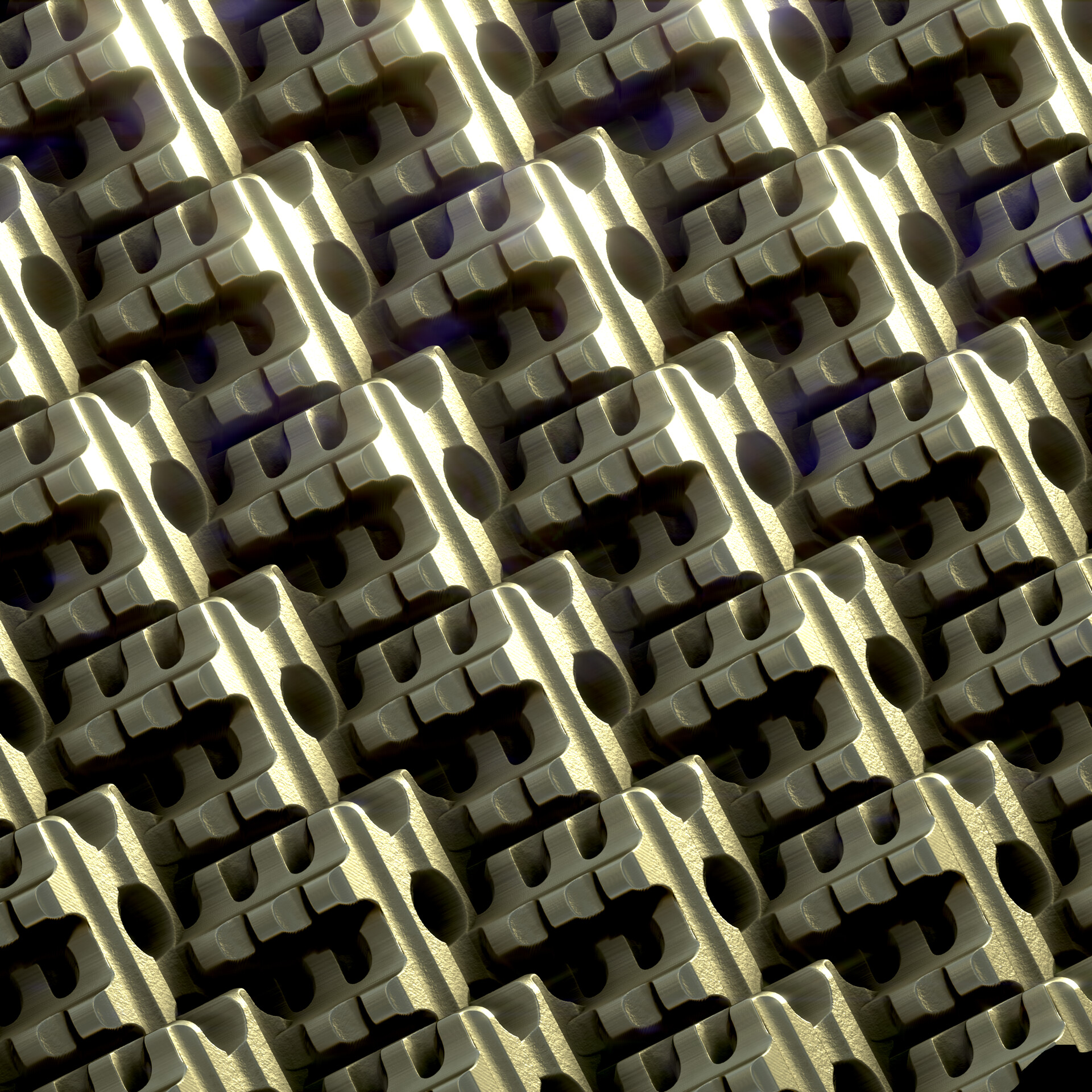
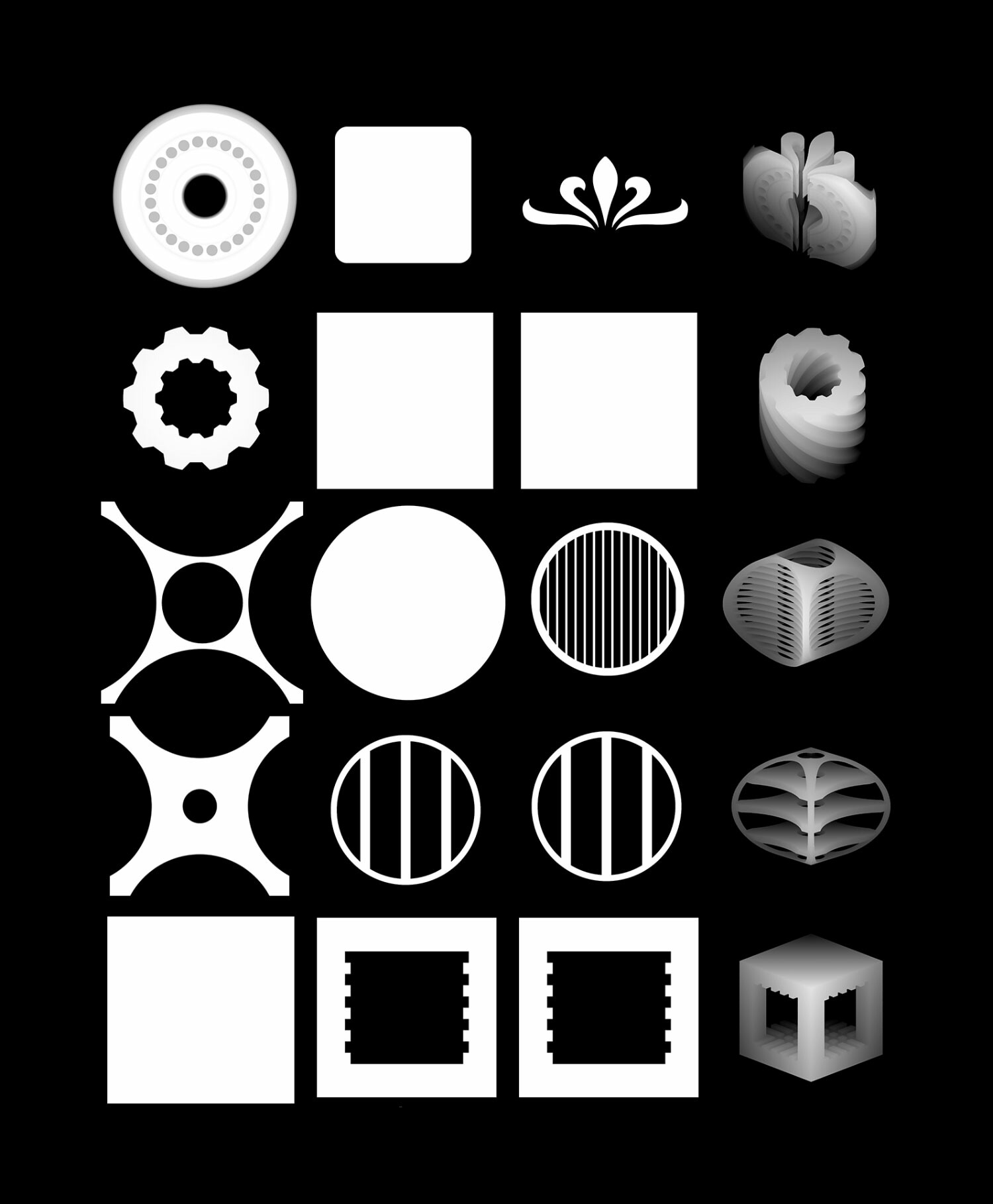
Example shapes
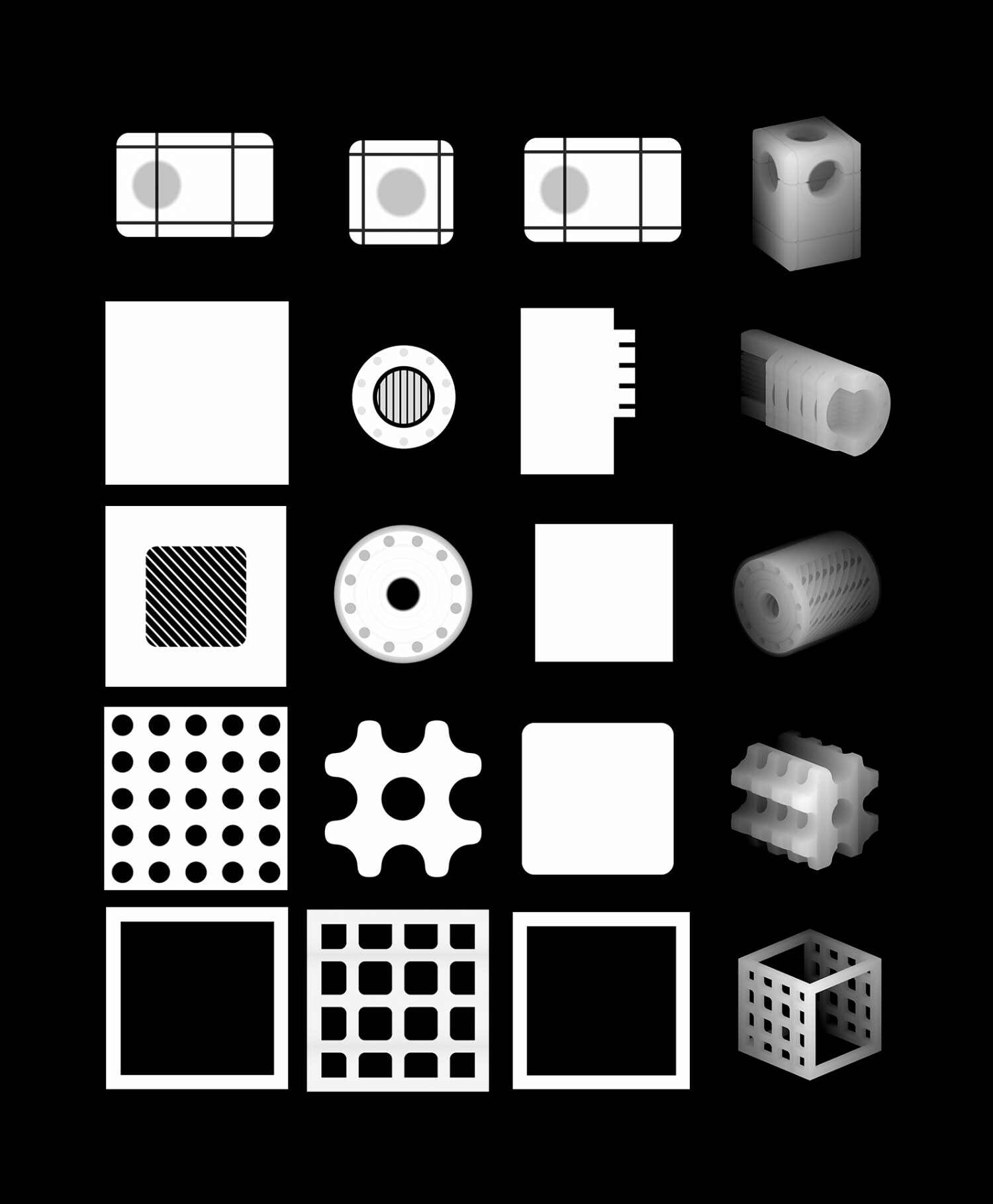
Example shapes

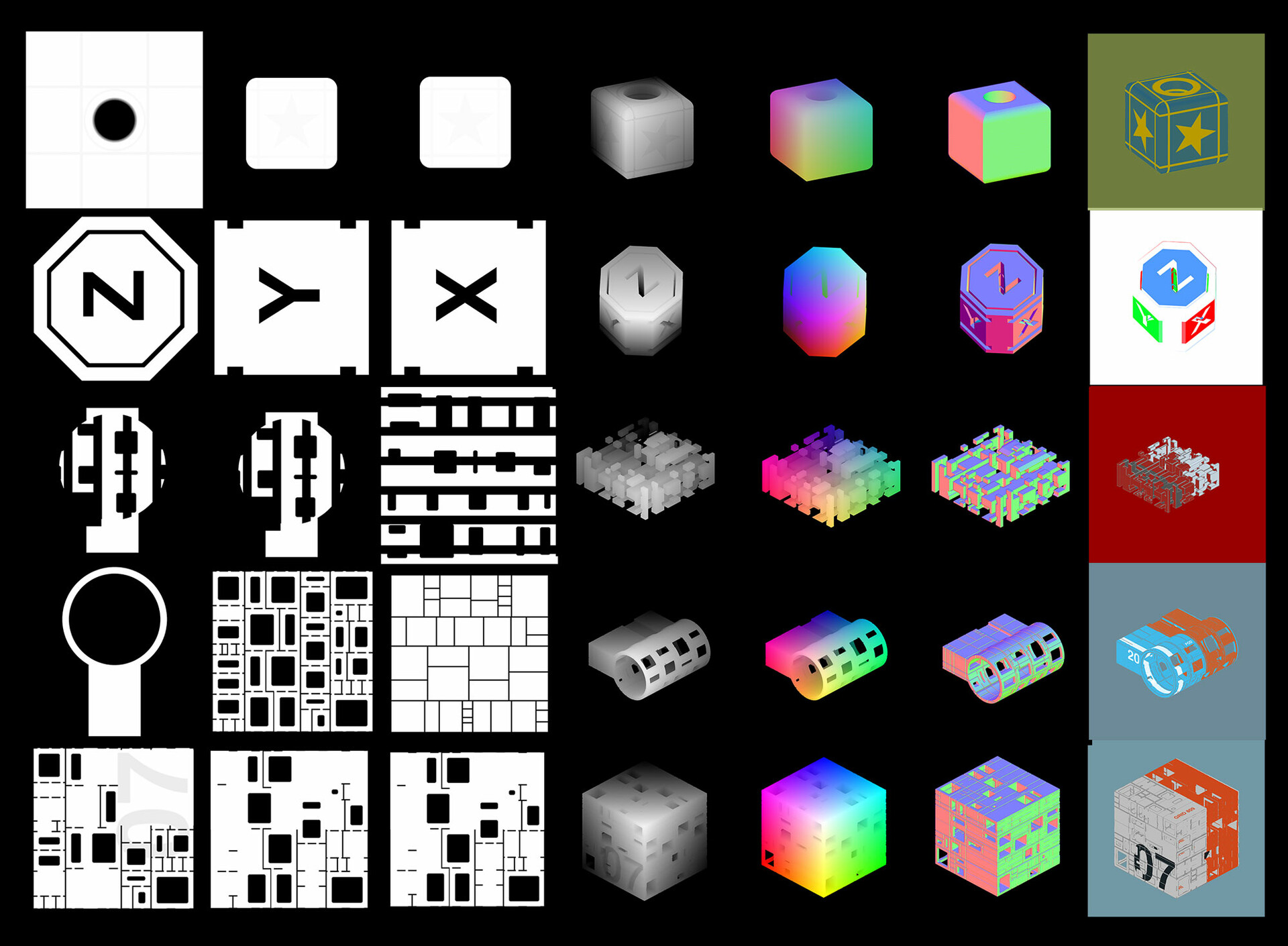
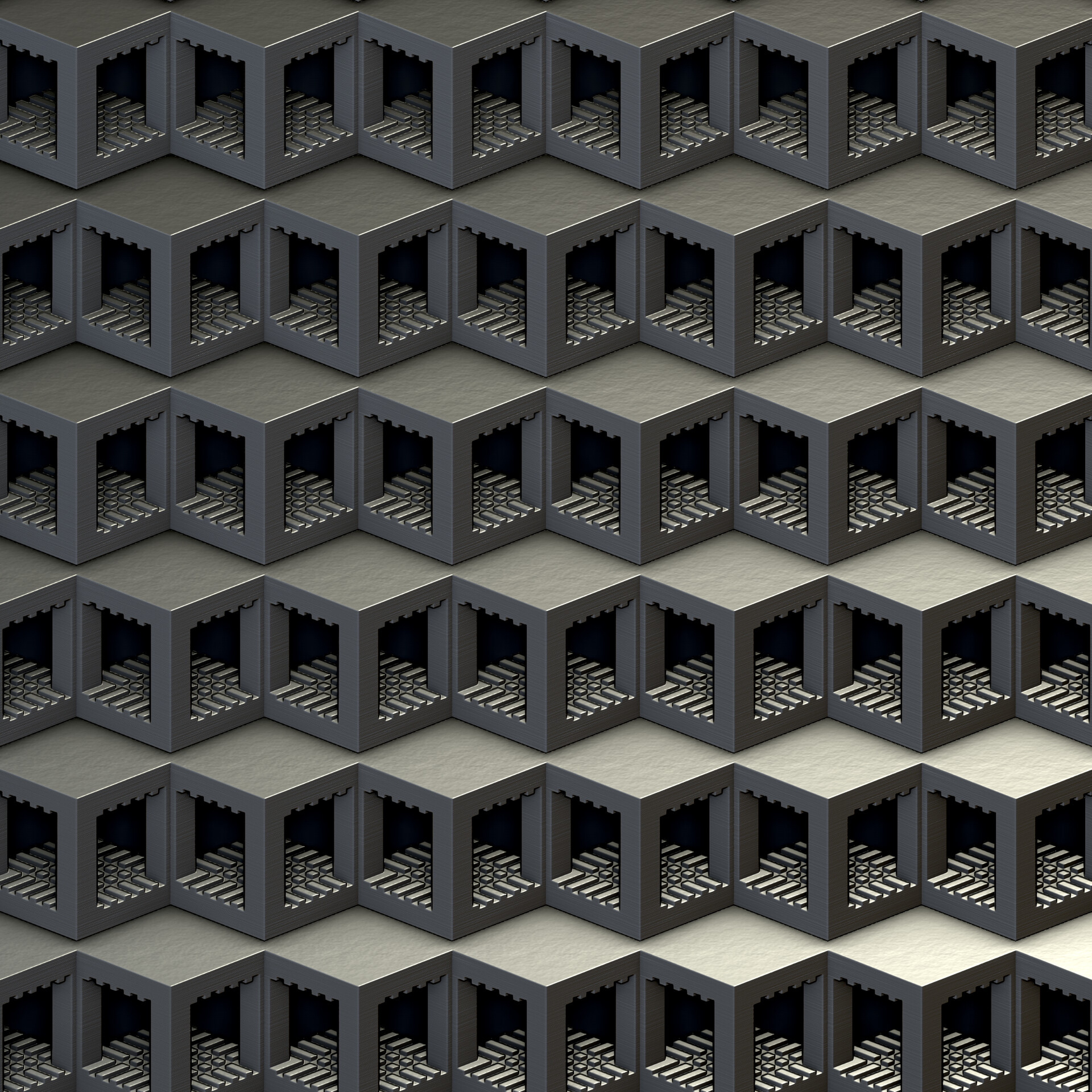
Use shapes together with the triplanar node to texture each side.
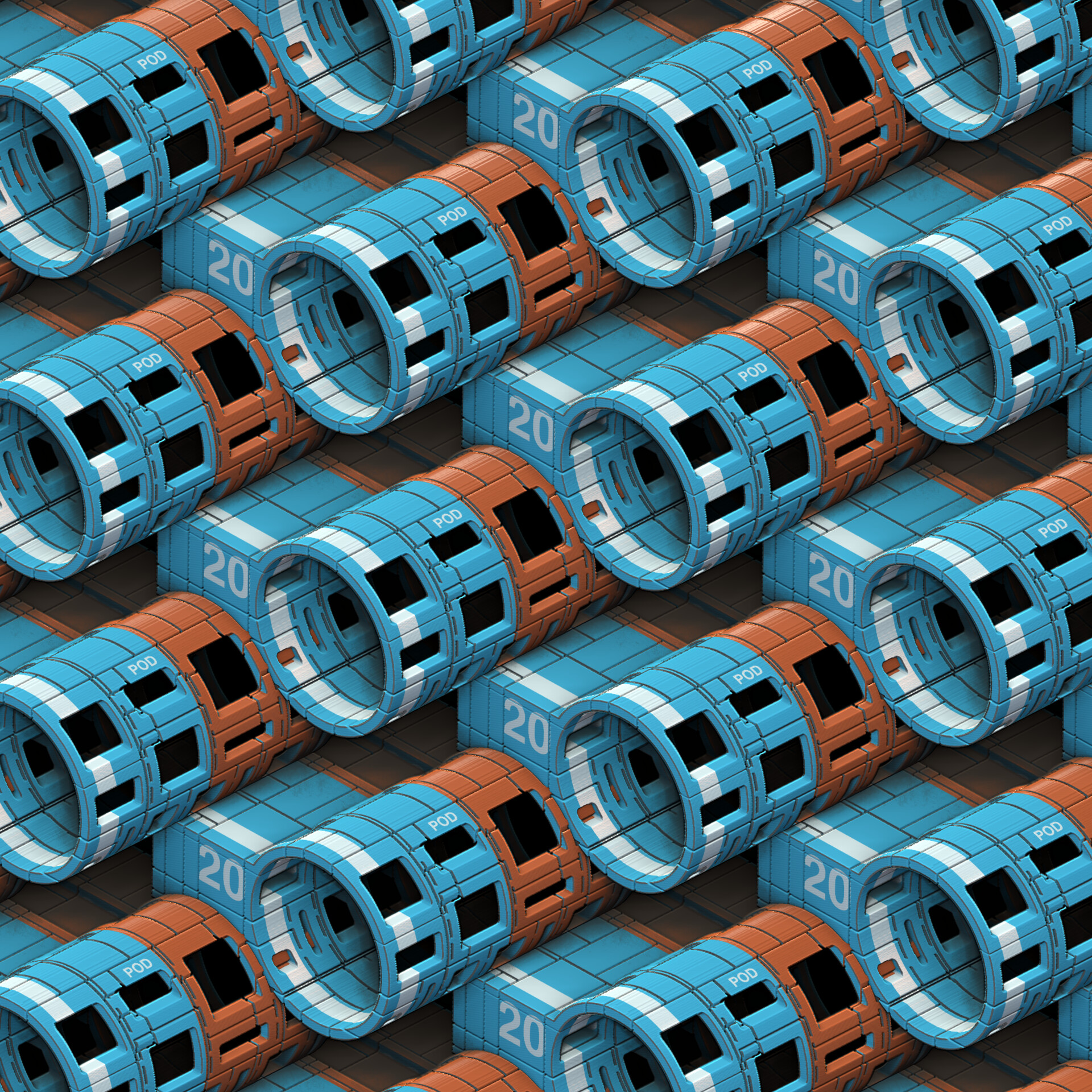
Example textured shape

Project created using the shadow box node
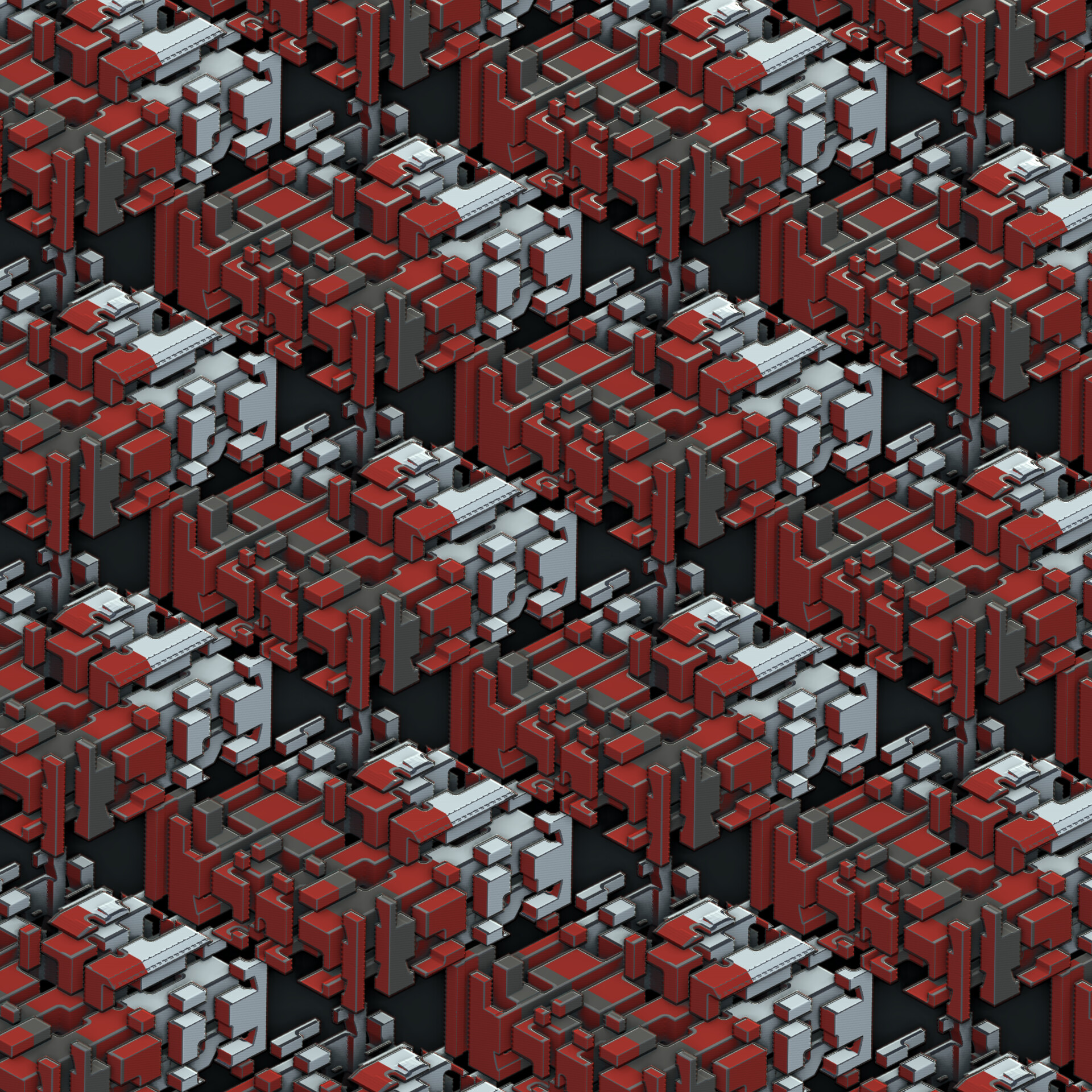
In a collaboration with my good friend and techartist Ppang we decided to try to introduce the concept of 3d mesh creation inside Substance Designer with a Shadow Box tool. The way it works is that you input shapes into the x,y,z inputs. These get extruded according to their axis and the end result is the intersection of all shapes.
Get your copy here:
https://gum.co/deteShadowBox
Features
- Create and design intricate 3d shapes directly in substance designer
- Input 2d shapes for all X Y Z axis. The shapes are extruded and the resulting shape is the intersection of the combined shapes.
- Shapes can be rotated to any orientation.
- With the outputs of position and normals you can also Texture your 3d shape using the existing triplanar node.
Limitations
- This node takes its time to calculate there is no doubt about it. The results speak for themselves but use it with a bit of patience.
- Because of the shape generation slicing process, there is a bit of noise artifacts along the surface, for best results combine it with a ‘Blur HQ‘ node (0,3 and quality 1).
- Twisting does not yet work with Position and Normal outputs.