Cart
0


Get your copy here https://gum.co/tiefighter

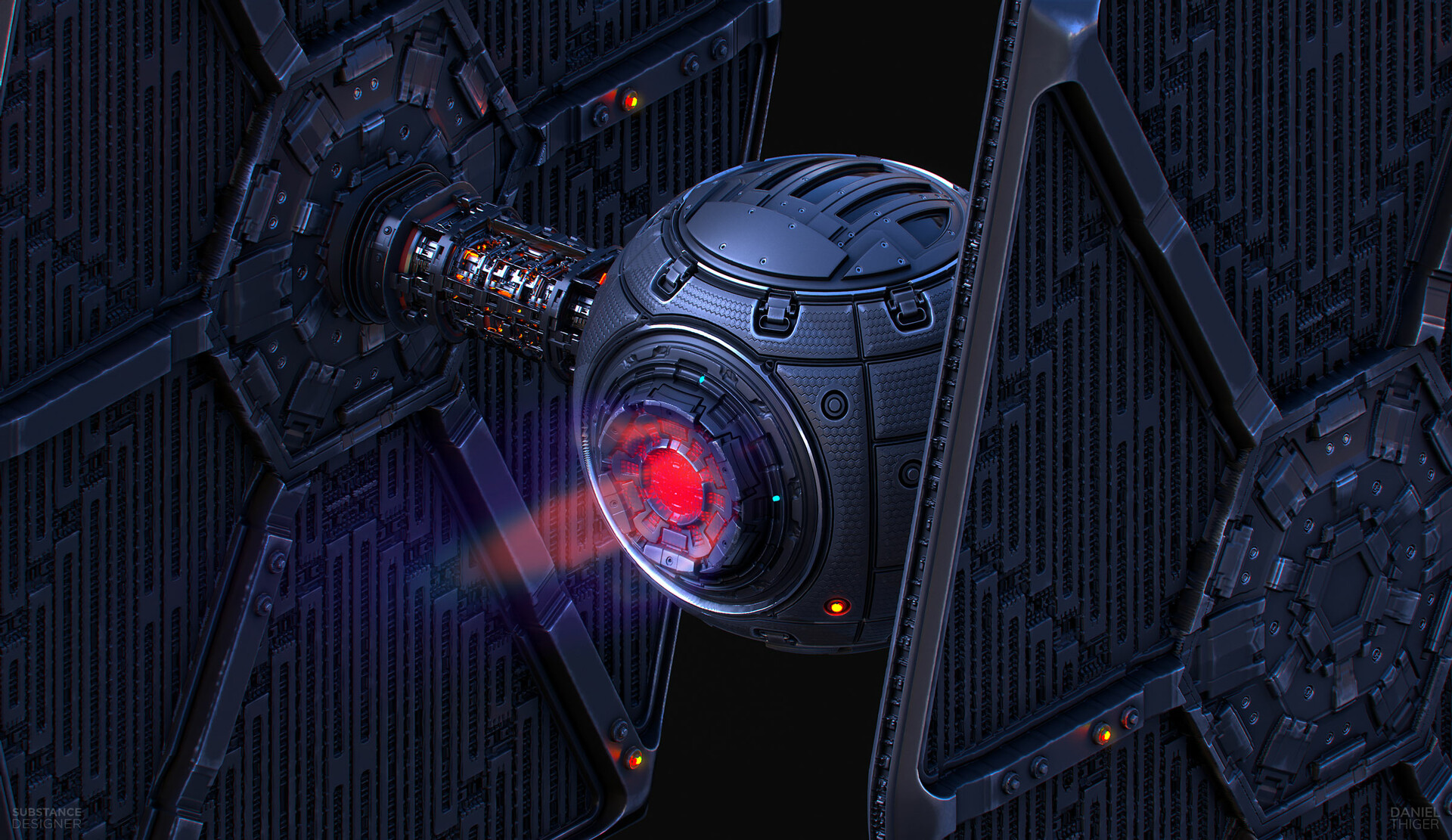
Played around with some engine ideas


Back | Front | Side
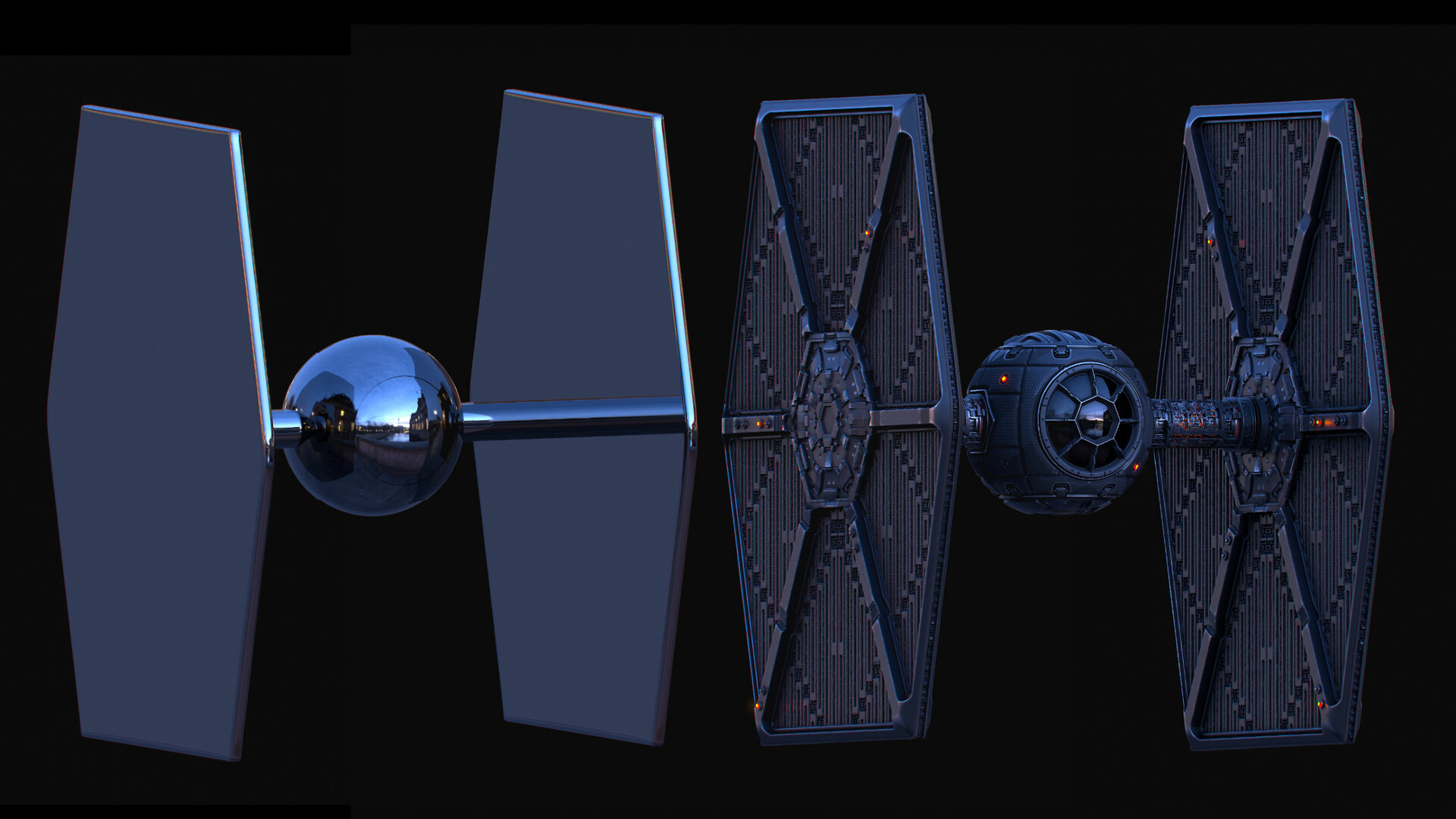
Geometry used for this project
This comprehensive 12-part tutorial focuses on building robust procedural workflows for hard surface details in Substance Designer. Using the iconic Tie Fighter as a case study, you'll gain practical skills and insights applicable to any complex model.
Key Techniques:
Procedural Detail Creation: Move beyond texture baking and harness the power of procedural techniques for intricate hard surface elements.
Step-by-Step Deconstruction: Analyze and rebuild the Tie Fighter component by component, from base panels to wings and final colorization.
Custom Node Expertise: Master five powerful custom nodes – DeteClamp, DeteCurveCollection, and more – to improve your procedural workflow efficiency.
Project Geometry Access: Skip the modeling phase and jump straight into the action with the provided Tie Fighter geometry, allowing you to focus on honing your procedural skills.
Flexible Learning Format: Choose between streaming the tutorial for immediate immersion or downloading the files for offline study at your own pace.
Beyond the Tie Fighter:
Procedural Problem-Solving Framework: Develop a methodology for approaching complex projects by deconstructing them into manageable procedural tasks, a valuable skill for any hard surface model.
Node-Based Workflow Optimization: Leverage custom nodes to streamline repetitive tasks and unlock advanced creative possibilities within Substance Designer.
Enhanced Technical Proficiency: Gain the knowledge and practical experience to tackle a wide range of hard surface detailing challenges with confidence.
This tutorial is more than just building a Tie Fighter; it's a roadmap to mastering procedural hard surface creation in Substance Designer. Prepare to refine your technical skills and unlock your full potential within this powerful software.
Included in the tutorial is my new Substance bootcamp videos that will help any beginner navigate the UI as well as get familiar with working with nodes. If you are a complete beginner in Substance Designer, I recommend starting with my Fundamentals series:
https://www.artstation.com/marketplace/p/0yjB/fundamentals-part-1-pattern-creation-and-natural-scattering